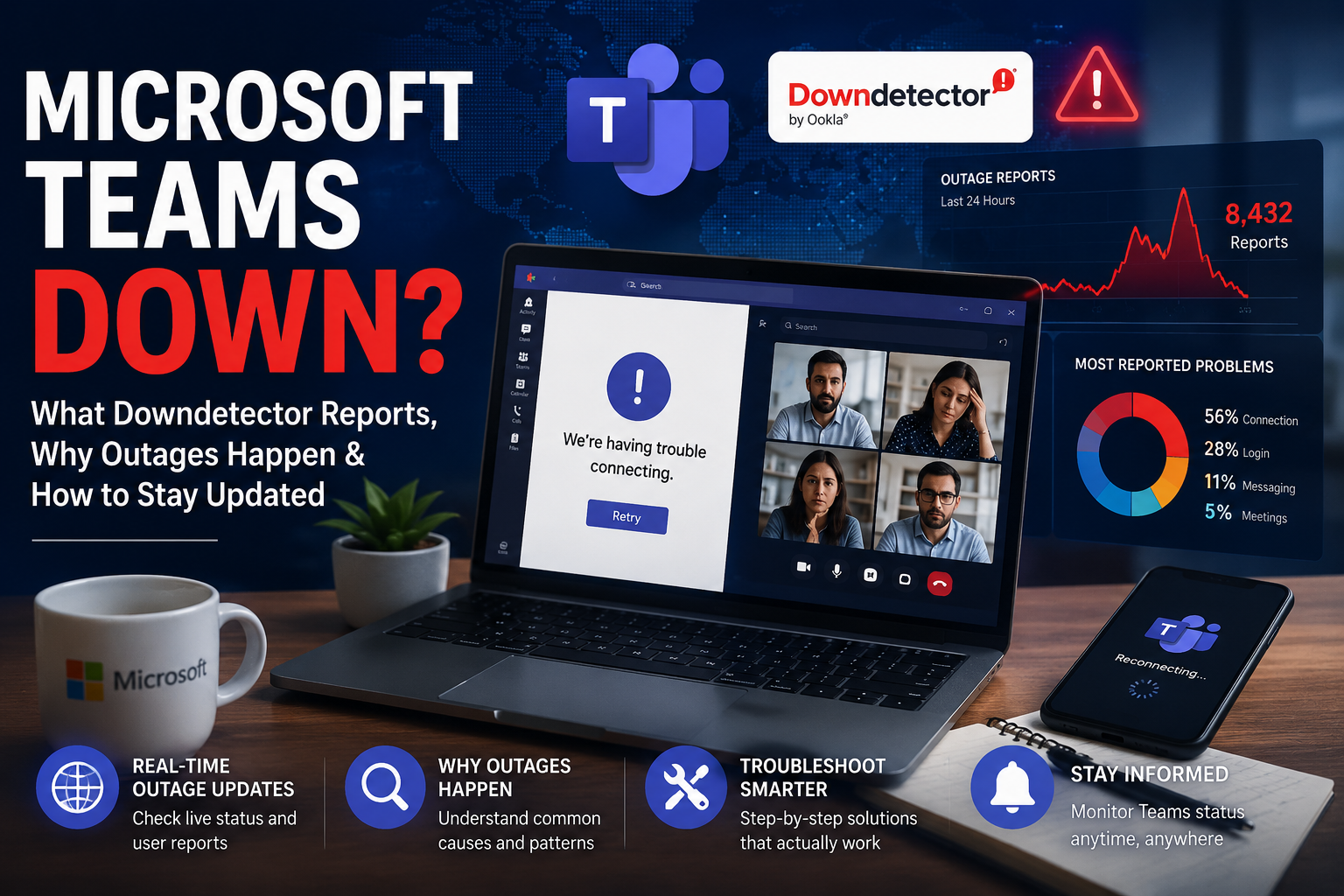

Microsoft Teams Downdetector: Why Users Report Outages and How to Check Teams Status in Real Time
Microsoft Teams Downdetector??? Why???
In today’s digital workplace, communication tools are the backbone of productivity. Whether employees are working remotely, collaborating across different offices, or attending virtual meetings, platforms like Microsoft Teams have become essential for day-to-day operations.
When Microsoft Teams suddenly stops working, thousands of users immediately begin searching online for answers. One of the first places people visit is Downdetector, a popular service that tracks online outages and service disruptions. This is why the phrase “Microsoft Teams Downdetector” has become a common search term whenever users experience login failures, meeting disruptions, messaging delays, or connectivity issues.
A Microsoft Teams outage can affect businesses, schools, healthcare organizations, government agencies, and remote workers around the world. Even a short disruption can interrupt meetings, delay projects, and impact productivity.
This guide explains everything you need to know about Microsoft Teams outages, how Downdetector works, common reasons Teams goes down, how to troubleshoot problems, and what organizations can do to minimize the impact of service disruptions.
What Is Microsoft Teams?
Microsoft Teams is a cloud-based collaboration platform developed by Microsoft as part of the Microsoft 365 ecosystem.
The platform combines:
- Instant messaging
- Video conferencing
- Voice calling
- File sharing
- Team collaboration
- Calendar integration
- Project communication
- Third-party app integrations
Businesses use Teams as a central hub where employees can communicate, schedule meetings, share documents, and collaborate in real time.
Since its launch, Microsoft Teams has grown into one of the world’s most widely used workplace communication platforms.
What Is Downdetector?
Downdetector is an online outage-monitoring platform that tracks disruptions affecting websites, apps, and cloud services.
Instead of relying solely on official company announcements, Downdetector gathers information from:
- User-submitted reports
- Social media activity
- Website monitoring data
- Network performance signals
When thousands of people begin reporting problems simultaneously, Downdetector displays a spike in outage reports.
This makes it one of the fastest ways to determine whether
- Microsoft Teams is down
- A regional outage is occurring
- Login systems are failing
- Messaging services are delayed
- Meeting functionality is affected
For many users, Downdetector becomes the first source of information during a service interruption.
Why People Search “Microsoft Teams Downdetector”
Whenever Teams experiences technical difficulties, users often wonder whether the problem is:
- Their internet connection
- Their device
- Their account
- Their company network
- Microsoft’s servers
Searching “Microsoft Teams Downdetector” helps answer that question quickly.
If thousands of users are reporting similar problems, the issue is likely widespread.
Common searches include:
- Is Microsoft Teams down?
- Microsoft Teams outage today
- Teams status now
- Teams not working
- Downdetector Teams outage
- Microsoft 365 outage
These searches typically increase dramatically whenever a service disruption occurs.
Common Microsoft Teams Problems Reported During Outages
When Teams experiences service interruptions, users often report similar symptoms.
1. Login Problems
One of the most common complaints involves authentication failures.
Users may see:
- Unable to sign in
- Authentication errors
- Session timeout messages
- Repeated login prompts
These issues often occur when Microsoft’s identity services experience disruptions.
2. Messaging Delays
Teams are heavily dependent on cloud infrastructure.
During an outage:
- Messages may not send
- Messages arrive late
- Chat history fails to load
- Notifications stop working
For businesses relying on real-time communication, this can create significant workflow disruptions.
3. Meeting Connectivity Issues
Virtual meetings are often affected during service incidents.
Users may experience:
- Meeting links not opening
- Audio failures
- Video freezing
- Screen sharing problems
- Participant connection errors
Meeting disruptions are among the most visible signs of a Teams outage.
4. File Sharing Problems
Teams integrates closely with SharePoint and OneDrive.
When related Microsoft services encounter issues, users may notice the following:
- Files not uploading
- Documents failing to open
- Sync errors
- Missing attachments
This can prevent teams from accessing important project materials.
5. Mobile App Issues
Sometimes outages affect mobile users differently than desktop users.
Common mobile problems include:
- App crashes
- Login failures
- Missing notifications
- Endless loading screens
These issues may appear before Microsoft officially confirms a service disruption.
Why Microsoft Teams Goes Down
Although Microsoft operates one of the world’s largest cloud infrastructures, no platform is completely immune to technical problems.
Several factors can contribute to a Teams outage.
Server Infrastructure Problems
Microsoft Teams relies on distributed cloud infrastructure across multiple regions.
Issues affecting servers can include:
- Hardware failures
- Data center disruptions
- Capacity overload
- Resource allocation errors
Even minor infrastructure issues can affect millions of users.
Network Routing Failures
Cloud services depend on complex networking systems.
A routing issue can cause:
- Slow performance
- Failed requests
- Connectivity interruptions
- Service degradation
Sometimes the service itself remains operational while network pathways become congested.
Software Updates
Major software deployments occasionally introduce unexpected bugs.
Possible consequences include the following:
- Authentication failures
- Feature malfunctions
- Service instability
- Performance degradation
Many outages occur shortly after infrastructure changes or software updates.
Third-Party Dependencies
Modern cloud platforms rely on multiple supporting technologies.
Problems involving:
- DNS providers
- Security systems
- Identity providers
- Networking partners
can indirectly affect Teams’ performance.
Cybersecurity Incidents
Although rare, cyberattacks can disrupt services.
Potential threats include the following:
- Distributed denial-of-service attacks
- Security misconfigurations
- Authentication system failures
Microsoft continuously invests in security to reduce these risks.
How Downdetector Identifies a Teams Outage
Downdetector uses a combination of user reports and automated analysis.
The process includes:
User Submissions
Users manually report problems.
Examples include:
- Can’t log in
- App not loading
- Video not working
- Messages delayed
As reports increase, outage graphs begin to rise.
Geographic Analysis
Downdetector maps outage reports geographically.
This helps determine whether problems are
- Local
- Regional
- National
- Global
Organizations can quickly assess the scope of an incident.
Social Signals
Downdetector also analyzes public discussions related to outages.
When large numbers of users discuss service problems online, confidence increases that a genuine disruption is occurring.
How to Check Microsoft Teams Status
If Teams stops working, follow these steps.
Step 1: Visit Downdetector
Check whether other users are reporting issues.
A large spike in reports may indicate a widespread outage.
Step 2: Check Microsoft’s Service Status
Microsoft maintains official service-health dashboards for enterprise customers.
These dashboards provide information about:
- Known incidents
- Investigation progress
- Service recovery efforts
Step 3: Review Social Media Updates
Many users share outage experiences on social platforms before official announcements appear.
Patterns often emerge quickly during major incidents.
Step 4: Ask Colleagues
If coworkers in different locations report identical issues, the problem likely extends beyond your device.
How Businesses Are Impacted by Teams Outages
The effects of a Microsoft Teams outage vary depending on the organization’s size and reliance on digital communication.
Remote Work Disruptions
Remote employees depend heavily on Teams.
Outages may prevent:
- Team meetings
- Daily check-ins
- Client communications
- Project coordination
Lost Productivity
Even short disruptions can lead to:
- Delayed decisions
- Missed deadlines
- Reduced collaboration
- Workflow interruptions
Large enterprises may lose significant productivity during prolonged outages.
Customer Service Challenges
Organizations using Teams for customer support may struggle to communicate internally during service interruptions.
This can affect response times and customer satisfaction.
How to Troubleshoot Microsoft Teams Issues
Not every Teams problem is caused by a widespread outage.
Before assuming Microsoft is experiencing difficulties, try these troubleshooting steps.
Restart Teams
Close the application completely and reopen it.
Many temporary glitches disappear after a restart.
Check Internet Connectivity
Verify that:
- Wi-Fi is functioning
- Ethernet connections are stable
- Other websites are accessible
Network problems can mimic service outages.
Clear Cache Files
Corrupted cache data sometimes causes the following:
- Login issues
- Performance problems
- Missing messages
Clearing Teams cache can resolve many client-side errors.
Update the application.
Older versions of Teams may experience compatibility issues.
Installing updates often resolves bugs.
Try Another Device
If Teams works on a different device, the issue may be local rather than service-wide.
Best Practices for Organizations During Outages
Businesses should prepare for occasional cloud-service disruptions.
Recommended strategies include:
Create Backup Communication Channels
Alternative options may include:
- Phone systems
- Internal messaging platforms
Having backups reduces operational risk.
Maintain Incident Response Procedures
Organizations should establish clear processes for:
- Identifying outages
- Informing employees
- Escalating issues
- Maintaining operations
Train Employees
Staff should understand:
- How to verify outages
- Where to check service status
- Which backup tools to use
Prepared employees respond more effectively during disruptions.
Microsoft Teams and the Future of Cloud Reliability
Cloud services continue evolving rapidly.
Microsoft invests heavily in:
- Redundant infrastructure
- Global data centers
- AI-powered monitoring
- Automated recovery systems
These improvements help reduce outage frequency and recovery times.
As remote work continues expanding, maintaining reliable communication services will remain a top priority for technology providers.
Frequently Asked Questions
Is Microsoft Teams down right now?
The best way to determine this is by checking Downdetector and Microsoft’s official service status pages.
Why does Microsoft Teams stop working?
Common causes include server issues, networking problems, software updates, authentication failures, and cloud infrastructure disruptions.
Can I use Teams during an outage?
It depends on the severity of the incident. Some features may remain available while others are affected.
How long do Teams outages last?
Outages can range from a few minutes to several hours depending on the underlying cause.
Does a Microsoft 365 outage affect Teams?
Yes. Since Teams is integrated into Microsoft 365, disruptions affecting Microsoft services can also impact Teams functionality.
Read More: Snap AR Glasses: Everything to Know About Snap Specs in 2026
Snap AR Glasses: Everything to Know About Snap Specs in 2026
Conclusion
The search term “Microsoft Teams Downdetector” has become a go-to phrase whenever users encounter communication problems on Microsoft’s collaboration platform. In a world where remote work and digital communication are critical, even minor service interruptions can have significant consequences.
Downdetector serves as a valuable resource for quickly identifying whether Teams problems are isolated or affecting users globally. By understanding how outages occur, knowing where to check service status, and following basic troubleshooting steps, users can respond more effectively when disruptions happen.
While Microsoft continues investing in stronger infrastructure and improved reliability, occasional outages remain an unavoidable reality of large-scale cloud computing. Staying informed, maintaining backup communication channels, and monitoring trusted outage-reporting platforms can help businesses and individuals navigate these challenges with minimal disruption.