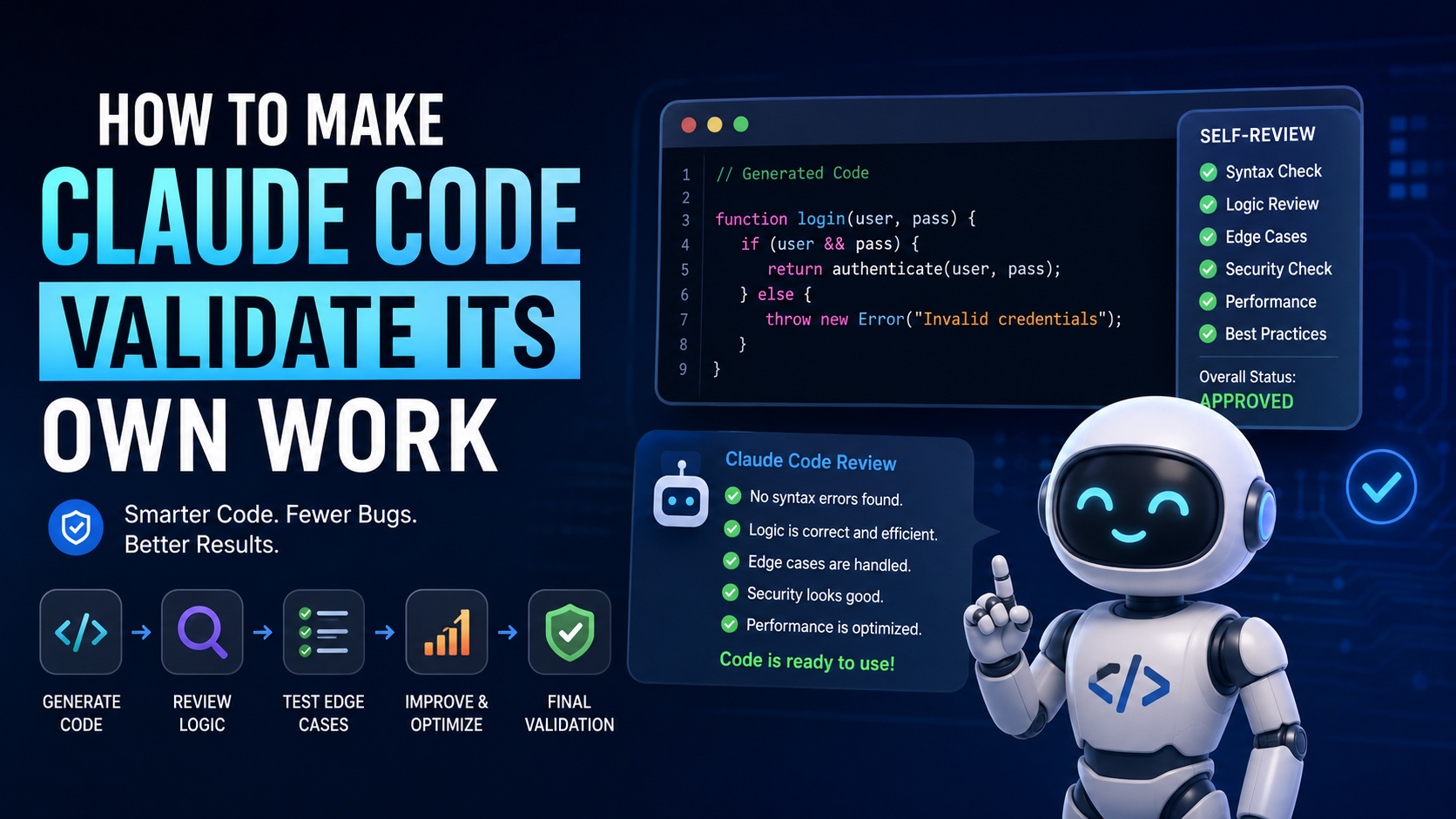

Artificial intelligence coding assistants are becoming smarter every day, and tools like Claude Code are changing the way developers write, debug, and optimize code. However, one challenge still remains — ensuring that the generated code is actually correct, functional, and reliable.
That’s where self-validation comes into play.
Instead of blindly trusting AI-generated code, developers can train Claude Code to review and validate its own output before delivering the final result. This approach not only improves code quality but also reduces bugs, saves development time, and creates a more reliable coding workflow.
In this guide, we’ll explore practical methods to make Claude Code validate its own work effectively.
Why Self-Validation Matters in AI Coding
AI-generated code can often look perfect while still containing hidden issues such as logic errors, missing dependencies, inefficient structure, or security problems. Self-validation helps catch these mistakes before they become real-world problems.
When Claude Code validates its own responses, it can
- Detect syntax errors
- Identify missing edge cases
- Review logic flow
- Improve code readability
- Check for performance issues
- Verify expected output
- Reduce hallucinated functions or libraries
This creates a smarter and more trustworthy development process.
Ask Claude Code to Review Before Finalizing
One of the easiest ways to improve output quality is by instructing Claude Code to analyze its own work after generating code.
Instead of using a simple prompt like
“Write a login system in Python.”
You can use a more advanced instruction, such as the following:
“Write a login system in Python, then review the code for bugs, security issues, and optimization opportunities before giving the final answer.”
This small change encourages the AI to think twice before responding.
Use multi-step prompting.
Breaking tasks into multiple stages significantly improves validation accuracy.
A professional workflow often looks like this:
- Generate the code
- Explain how the code works
- Review the logic for errors
- Suggest improvements
- Rewrite the optimized version
This layered process forces Claude Code to analyze its own output instead of producing a single unchecked response.
Encourage Edge Case Testing
One major weakness in AI-generated code is handling unusual or unexpected scenarios. To improve validation, ask Claude Code to test edge cases automatically.
For example:
- Empty inputs
- Invalid user data
- Large datasets
- API failures
- Incorrect formats
A good prompt could be:
“Generate the code and test it against possible edge cases before finalizing the response.”
This leads to much more production-ready code.
Request Code Explanations
Another powerful validation technique is asking Claude Code to explain its reasoning.
When AI explains code step-by-step, it often reveals inconsistencies or mistakes in logic. If the explanation sounds weak or confusing, there’s a good chance the implementation needs improvement.
Example prompt:
“Explain why this solution works and identify any possible weaknesses.”
This creates an additional layer of quality control.
Use Validation Rules Inside Prompts
Professional developers often include strict validation requirements directly inside prompts.
You can ask Claude Code to verify the following:
- Syntax correctness
- Best coding practices
- Security standards
- Performance optimization
- Error handling
- Clean architecture
Example:
“Write production-ready JavaScript code with proper validation, error handling, and security checks. Review the code before finalizing.”
This produces cleaner and more reliable output.
Compare Multiple Solutions
Instead of accepting the first answer, ask Claude Code to generate multiple approaches and compare them.
For example:
“Create two different solutions for this problem and explain which one is better for scalability and performance.”
This forces the AI to evaluate alternatives and think critically about efficiency.
Read Also: Latest Steam Client Update Introduces Support for Valve’s New Steam Controller
Latest Steam Client Update Introduces Support for Valve’s New Steam Controller
Combine AI validation with human review.
Even though AI validation is extremely useful, human oversight still matters. The best workflow combines automated self-review with manual developer verification.
AI can speed up development dramatically, but experienced developers should still check the following:
- Business logic
- Security-sensitive areas
- API integrations
- Database queries
- Production deployment readiness
Using Claude Code as a collaborative assistant rather than a fully autonomous developer usually delivers the best results.
Final Thoughts
Making Claude code validate its own work is one of the smartest ways to improve AI-assisted development. By using advanced prompting strategies, multi-step reviews, edge-case testing, and self-analysis techniques, developers can generate cleaner, safer, and more accurate code.
As AI coding tools continue evolving, the developers who learn how to guide and validate AI effectively will gain a major advantage in speed, productivity, and software quality.
Instead of simply asking AI to write code, the future lies in teaching AI to think critically about its own output before delivering the final result.