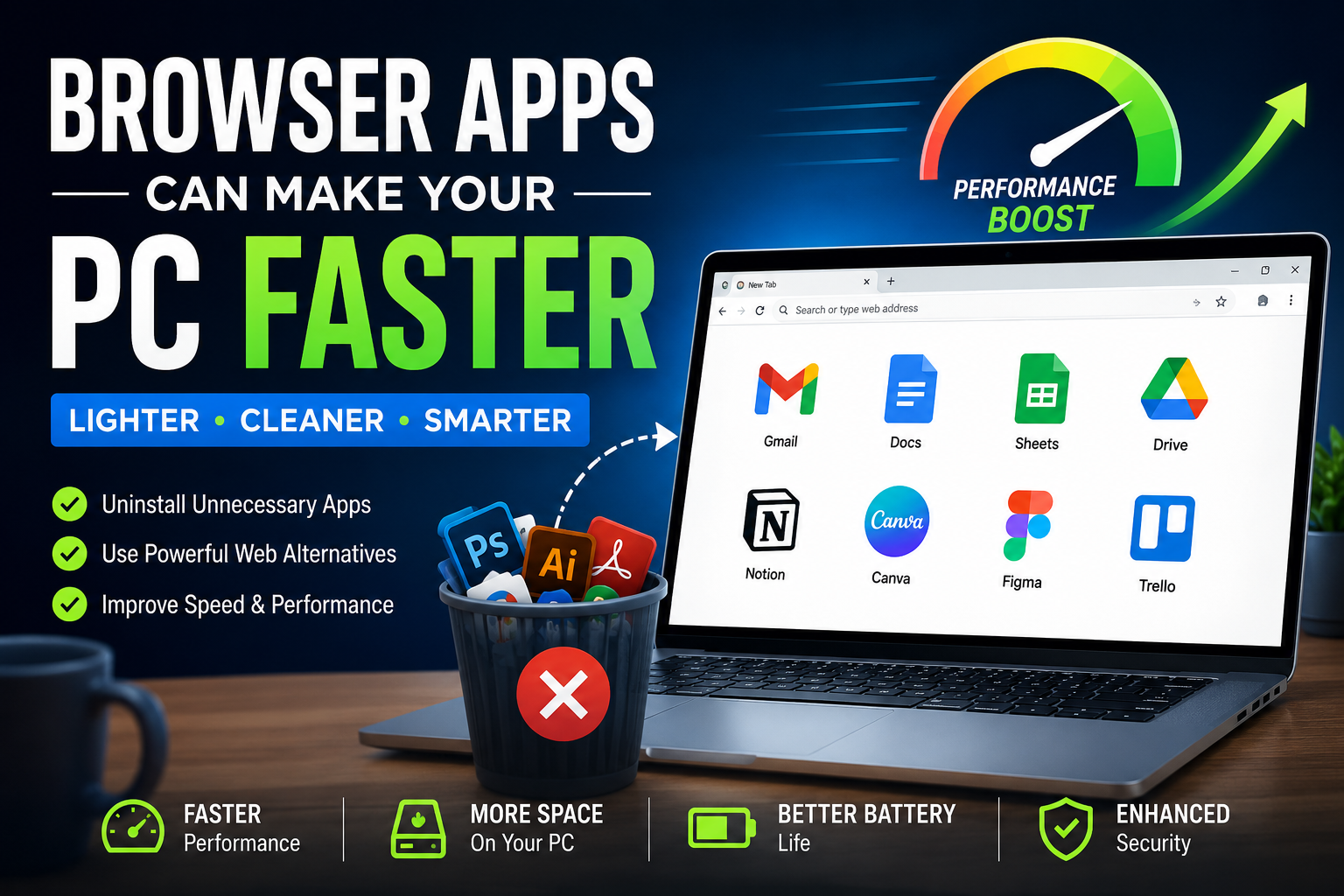

Today we talk about Browser Based Apps. Anyway, modern computers are more powerful than ever before. Even budget laptops now come with fast processors, better storage, and enough memory to handle daily tasks smoothly. Yet many people still complain that their PCs feel slow after a few months of use. Programs take longer to open, startup times increase, and multitasking becomes frustrating.
Interestingly, the problem is not always the hardware. In many cases, the real issue is the number of installed applications running silently in the background.
Over the past few years, a growing number of users have started changing the way they use software. Instead of installing dozens of desktop apps, they are now relying on browser-based alternatives. From photo editing and note-taking to video meetings and productivity tools, many tasks can now be handled directly inside a web browser.
This shift is changing how people think about software, storage, and computer performance.
In this article, we will explore why browser apps are becoming so popular, how uninstalling unnecessary software can improve PC speed, and which types of applications work surprisingly well in the browser today.
The Hidden Problem With Too Many Installed Apps
Most people install software without thinking twice about it. A new app gets downloaded for one small task, and then it stays on the computer forever.
At first, this does not seem like a problem. One extra app feels harmless. But over time, these programs start piling up.
Many installed applications do far more than users realize. They often:
- Launch automatically during startup
- Run background services continuously
- Check for updates every few minutes
- Use RAM even when not open
- Add extra processes to Windows
- Create temporary files and cache
- Leave registry entries behind after removal
Eventually, all these small activities combine into one big performance issue.
According to Microsoft’s support documentation, Windows applications can run startup services and background tasks that continue affecting system performance over time. (Microsoft Support)
This is one reason older computers often feel slower even when the hardware itself is still capable.
Why Browser Based Apps Are Becoming More Popular
Web technology has evolved dramatically.
Years ago, browser based apps felt limited and slow. They lacked features, looked outdated, and required a constant internet connection. Desktop software was clearly superior.
That is no longer true.
Modern browsers now support advanced technologies that allow web apps to behave almost like native desktop applications. Many browser-based tools now offer:
- Offline support
- Cloud syncing
- Push notifications
- Drag-and-drop functionality
- Hardware acceleration
- Real-time collaboration
- Advanced file handling
For everyday users, the difference between a desktop app and a browser app is becoming smaller each year.
In many cases, the browser version is actually more convenient.
How Installed Software Slows Down Your Computer
To understand why browser based apps can help, it is important to understand how traditional software affects system resources.
1. Startup Impact
Many applications automatically launch when Windows starts.
Examples include:
- Messaging apps
- Game launchers
- Cloud sync tools
- Design software
- Music apps
- Utility programs
Even if users never open these apps manually, they still consume memory and processing power in the background.
A system overloaded with startup apps can dramatically increase boot time.
2. Background Processes
Some applications continue running quietly after users close them.
These programs may:
- Sync files
- Check for notifications
- Track updates
- Monitor hardware
- Scan files continuously
Each process may use only a small amount of RAM, but together they can create noticeable slowdowns.
3. Storage Bloat
Applications often create hidden folders filled with:
- Temporary data
- Logs
- Cache files
- Downloaded updates
- User preferences
Over time, these files consume large amounts of storage.
Low storage space can reduce SSD performance and slow overall system responsiveness.
4. Registry Clutter
Windows applications often add entries to the Windows Registry.
Improper uninstallations can leave behind unused registry data. While modern systems handle this better than older versions of Windows, excessive leftover entries can still contribute to system clutter over time.
Many users on Reddit discussions about software cleanup recommend tools like Revo Uninstaller or Bulk Crap Uninstaller specifically because leftover files and registry entries often remain after software removal.
Why Browser Based Apps Feel Lighter
Browser based apps work differently.
Instead of installing large software packages directly onto the system, most of the processing happens inside the browser environment.
This creates several advantages.
Reduced Background Activity
Browser based apps / tools usually do not run constantly in the background after being closed.
Once the browser tab disappears, most associated processes stop too.
Less Startup Load
Web apps rarely add themselves to startup programs.
This keeps boot times cleaner and faster.
No Heavy Installations
Using a browser app avoids:
- Large installation packages
- System-level services
- Registry modifications
- Auto-update managers
The result is a lighter operating system.
Easier Maintenance
Managing browser based apps is much simpler.
Users do not need to:
- Reinstall software
- Remove corrupted programs
- Clean leftover files
- Troubleshoot compatibility issues
Everything runs from the browser itself.
Types of Apps That Work Surprisingly Well in Browsers
Many people still assume browser apps are only suitable for basic tasks. But modern web applications are capable of much more.
Here are some categories where browser tools now perform extremely well.
1. Note-Taking Apps
Cloud-based note tools have become incredibly powerful.
Users can now create:
- Rich documents
- Checklists
- Databases
- Collaborative notes
- AI-assisted writing
Browser note apps also sync across devices automatically.
This removes the need for local backups and manual transfers.
Popular web-based note platforms now compete directly with traditional desktop software.
2. Photo Editing
Photo editing in browsers used to feel impossible.
Today, browser-based editors can handle:
- Layer editing
- Background removal
- Filters
- Color correction
- AI image generation
- Graphic design
While professional photographers may still prefer high-end desktop tools, casual users can complete most tasks entirely online.
3. Video Meetings
Video conferencing has largely moved into browsers.
Users no longer need massive desktop clients for basic meetings.
Modern browser meeting platforms now support:
- Screen sharing
- HD video
- Noise cancellation
- Chat systems
- Recording
- Virtual backgrounds
This reduces the need for constantly running communication software.
4. Office Work
Word processing, spreadsheets, and presentations now work smoothly online.
Cloud office suites provide:
- Real-time collaboration
- Auto-saving
- Cross-device access
- Version history
For many users, installing a full office suite is no longer necessary.
5. Music and Entertainment
Streaming services have eliminated the need for many installed media apps.
Music, podcasts, movies, and even cloud gaming can now run directly inside browsers.
This saves storage space while simplifying access.
6. Project Management Tools
Many teams now use browser-based platforms for:
- Task tracking
- Team collaboration
- Scheduling
- File sharing
- Communication
Web-based project management tools are especially popular because they allow instant collaboration without complicated installations.
The Rise of Progressive Web Apps (PWAs)
One major reason browser apps feel better today is the growth of Progressive Web Apps.
PWAs are websites designed to behave like traditional applications.
They can:
- Install to the desktop
- Open in separate windows
- Work offline
- Send notifications
- Launch from the taskbar
Many users do not even realize they are using web apps because the experience feels nearly identical to native software.
This hybrid approach combines the simplicity of browsers with the convenience of apps.
Why Some People Are Uninstalling Desktop Apps Completely
A growing number of users are intentionally reducing the number of installed programs on their computers.
Their goal is simple:
- Faster PCs
- Cleaner systems
- Fewer distractions
- Lower maintenance
- Better battery life
This minimalist software approach has become especially popular among:
- Remote workers
- Students
- Freelancers
- Travelers
- Developers
- Productivity enthusiasts
Many users report that uninstalling unused software makes their systems feel noticeably faster and more responsive.
Browser Tabs vs Desktop Apps: Which Uses More RAM?
One common argument against browser apps is memory usage.
Browsers, especially when overloaded with tabs, can consume large amounts of RAM.
This criticism is partially true.
However, there is an important detail many people ignore:
Modern browsers are designed to manage memory dynamically.
They often suspend inactive tabs automatically and optimize resource allocation more efficiently than older standalone desktop apps.
Meanwhile, traditional applications may continue consuming resources even when minimized.
The real problem is not the browser itself — it is poor tab management.
Users who keep hundreds of tabs open will naturally experience performance issues.
Why Modern Browsers Became So Powerful
Web browsers today are no longer simple webpage viewers.
They are essentially full operating environments.
Modern browsers now support technologies capable of running:
- Games
- Video editing
- AI tools
- Design software
- Development environments
- Cloud computing platforms
Research on browser feature usage shows how modern browsers have evolved into highly advanced software ecosystems with thousands of available functions and APIs.
This massive evolution is one reason browser apps have become viable replacements for desktop software.
Cloud Computing Changed Everything
The rise of cloud computing transformed software usage completely.
Instead of relying entirely on local hardware, many modern apps now process data on remote servers.
This creates several advantages:
Better Device Performance
Heavy tasks can be partially offloaded to cloud infrastructure.
This allows even lower-end devices to handle demanding applications.
Cross-Platform Compatibility
Browser apps work across:
- Windows
- macOS
- Linux
- Chromebooks
- Tablets
Users no longer need separate versions for every operating system.
Instant Updates
Web apps update automatically.
Users always access the latest version without manual downloads.
Easier Collaboration
Cloud-based tools make teamwork much simpler because files and projects sync instantly.
Security Benefits of Using Browser Based Apps
Browser-based tools can sometimes improve security too.
Traditional installed software often requires:
- Deep system permissions
- Constant updates
- Administrative access
Outdated desktop software can become vulnerable if users ignore updates.
Browser apps reduce some of these risks because updates happen automatically on the server side.
Modern browsers also include strong sandboxing systems that isolate web content from the operating system.
That said, browser security still depends heavily on:
- Safe browsing habits
- Trusted websites
- Secure passwords
- Updated browsers
Users should never assume browser apps are automatically safe.
The Downsides of Browser Apps
Despite their advantages, browser apps are not perfect.
There are still situations where desktop software remains better.
1. Internet Dependence
Some browser apps require stable internet connections.
Offline functionality has improved, but many web tools still perform best online.
2. Professional Workflows
Advanced professionals often need native desktop software for:
- 3D rendering
- Video production
- CAD design
- Music production
- Scientific simulations
Desktop applications still dominate these areas because they require deeper hardware access.
3. Browser Overload
Replacing every app with browser tabs can create chaos.
Too many tabs may:
- Increase RAM usage
- Reduce focus
- Drain battery life
Proper tab management becomes important.
4. Privacy Concerns
Cloud-based services often collect user data.
Some users prefer local software because it gives them greater control over files and privacy.
Research into mobile and software ecosystems has shown that certain apps and services may collect more data than users realize.
Users should always review privacy policies carefully.
Best Types of Apps to Replace With Browser Versions
Not every app needs replacement.
However, these categories are often excellent candidates for browser alternatives:
| App Type | Good Browser Alternative? |
|---|---|
| Yes | |
| Messaging | Yes |
| Notes | Yes |
| Calendar | Yes |
| Video Meetings | Yes |
| Streaming | Yes |
| Office Work | Yes |
| Basic Image Editing | Yes |
| Cloud Storage | Yes |
| Coding Tools | Sometimes |
| Gaming | Limited |
| Video Editing | Partial |
| 3D Design | Usually No |
How to Decide Which Apps to Uninstall
Users should not blindly remove everything.
Instead, they should evaluate apps based on actual usage.
Ask these questions:
- Do I use this weekly?
- Does it run in the background?
- Is there a browser alternative?
- Does it slow startup?
- Does it duplicate another tool?
If the answer suggests low value, uninstalling the app may improve system cleanliness.
Signs Your PC Has Too Many Installed Apps
Many people do not realize their systems are overloaded until problems become severe.
Common warning signs include:
- Slow startup times
- Lag during multitasking
- Random fan noise
- High RAM usage while idle
- Frequent update popups
- Low storage warnings
- Battery draining faster
These symptoms often indicate excessive background software activity.
Why Chromebooks Influenced This Trend
Chromebooks helped normalize browser-based computing.
Initially, many people mocked Chromebooks because they relied heavily on web apps.
But over time, the concept proved surprisingly practical for everyday users.
People realized that most daily tasks happen online anyway:
- Browsing
- Streaming
- Meetings
- Documents
- Social media
As web apps improved, the Chromebook philosophy started influencing even Windows and Mac users.
Browser Based Apps and Battery Life
Installed desktop apps can reduce battery life significantly.
Background syncing, startup services, and hidden processes continuously consume power.
Browser apps often use fewer persistent resources because they only run actively when needed.
This can improve battery performance on laptops.
However, poorly optimized websites with heavy scripts can still drain power quickly.
Efficient browsing habits matter.
The Psychology of Software Minimalism
There is also a mental side to this trend.
Too many apps create digital clutter.
People become overwhelmed by:
- Notifications
- Update reminders
- Multiple interfaces
- Duplicate tools
- Endless subscriptions
A cleaner system often feels calmer and easier to manage.
This is why software minimalism has become part of modern productivity culture.
Why Developers Are Prioritizing Browser Based Apps
Software companies increasingly focus on web platforms because browser apps offer major advantages for developers too.
They can:
- Maintain one codebase
- Push updates instantly
- Reduce support costs
- Reach more devices
- Improve collaboration features
This shift is accelerating rapidly.
Many startups now launch browser versions before desktop versions.
Artificial Intelligence Is Accelerating Browser Based Apps / Software
AI tools are also driving browser adoption.
Most popular AI platforms run directly online.
Users can now access:
- AI writing assistants
- Image generators
- Coding tools
- Research assistants
- Video creation tools
without installing heavy software locally.
This reinforces the idea that powerful computing no longer requires large desktop applications.
How to Keep Your PC Fast Without Uninstalling Everything
Users do not need to become extreme minimalists.
A balanced approach works best.
Here are practical ways to maintain good performance:
Disable Startup Apps
Prevent unnecessary software from launching automatically.
Remove Unused Programs
Delete apps not used for months.
Use Browser Alternatives Selectively
Replace lightweight tasks with browser tools.
Keep Browsers Organized
Use tab groups and close inactive tabs.
Clear Temporary Files
Remove cache and junk files regularly.
Upgrade RAM if Needed
Sometimes hardware upgrades still matter.
The Future of Software Is Hybrid
The future will likely combine both browser and desktop experiences.
Some applications will remain native because they need:
- High performance
- Hardware integration
- Offline capability
Others will continue moving toward browser-first models.
The distinction between apps and websites is already fading.
Progressive Web Apps, cloud computing, and AI-powered services are reshaping how software works.
Read Also: Guide to Making Claude Code AI Verify Its Own Code
Final Thoughts on Browser Based Apps
The way people use computers is changing rapidly.
For years, installing more software felt normal. But modern users are beginning to realize that too many applications can quietly reduce performance, increase clutter, and complicate everyday computing.
Browser-based apps offer a simpler alternative.
They reduce background activity, minimize maintenance, and often provide enough functionality for everyday tasks without slowing down the system.
Desktop software is not disappearing anytime soon. Professional workflows still depend on powerful native applications. But for millions of users, browser tools are now more than capable of handling daily productivity, communication, entertainment, and creativity.
The smartest approach is not choosing one side completely.
It is understanding which tasks truly need installed software — and which ones work perfectly fine in a browser.
That balance can lead to a cleaner, faster, and far more enjoyable computing experience.